
Groundwork Simulator Wiki — Gold Mining, Excavators & Wash Plants
Build a working gold mine with heavy machinery and realistic, deformable terrain. Dig with excavators, haul material, supply your wash plant with pumps and hoses, and recover gold solo or with up to three friends. Follow guides grounded in the October 2026 Early Access build.
Latest Groundwork Simulator Guides
Start Here
Your Groundwork Simulator Mining Journey
Popular Pages
Trending Groundwork Simulator Guides
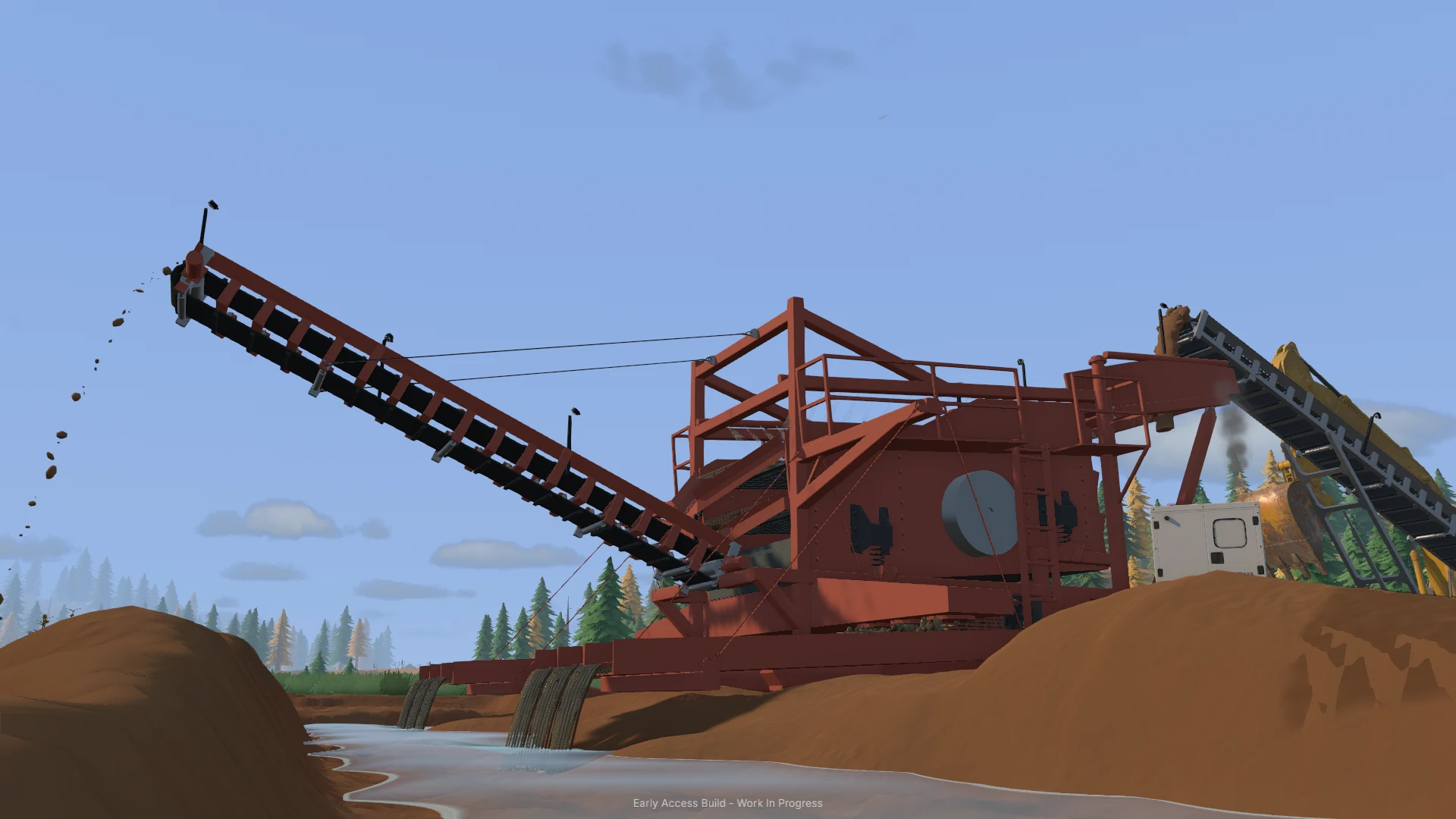
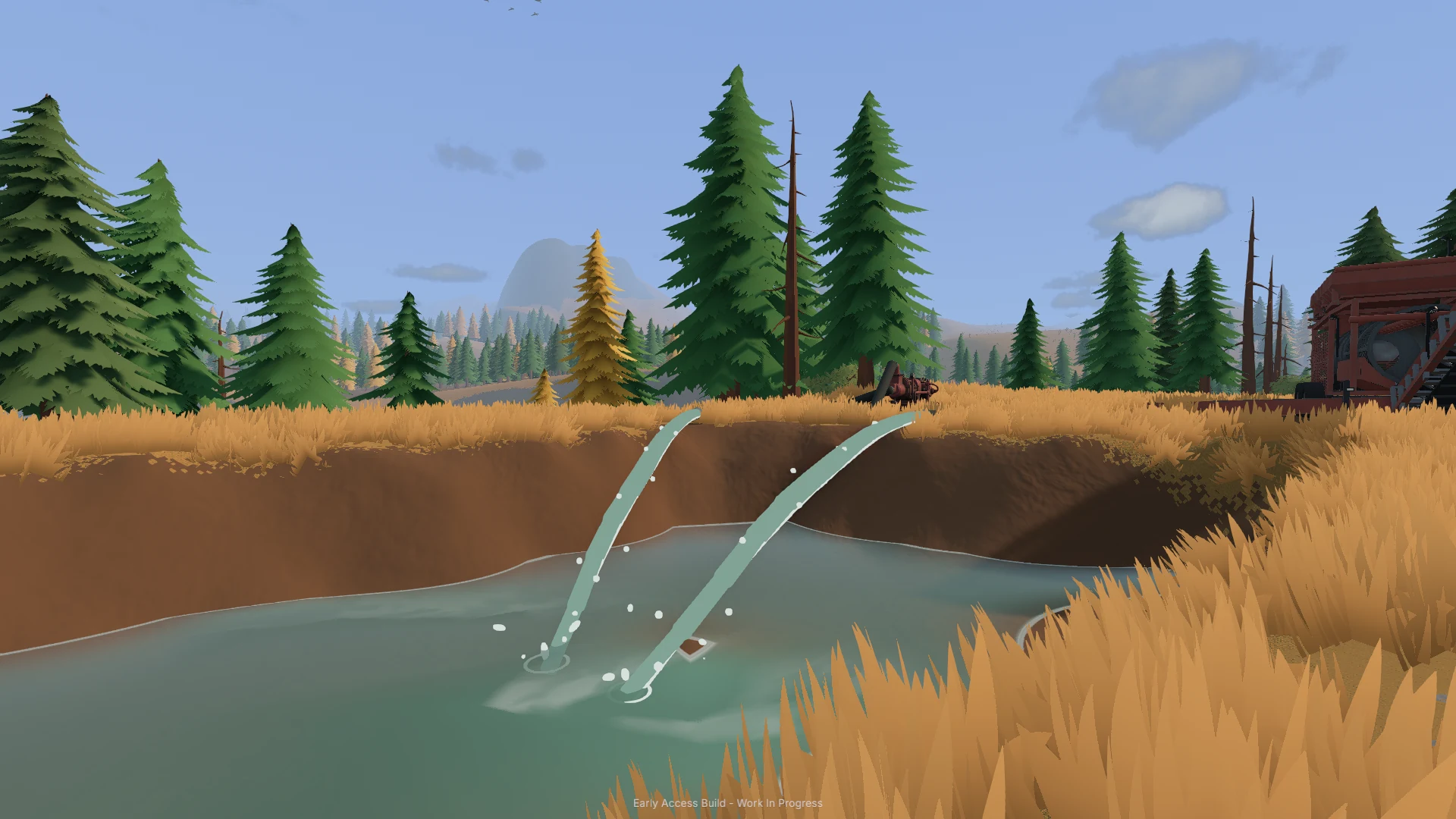
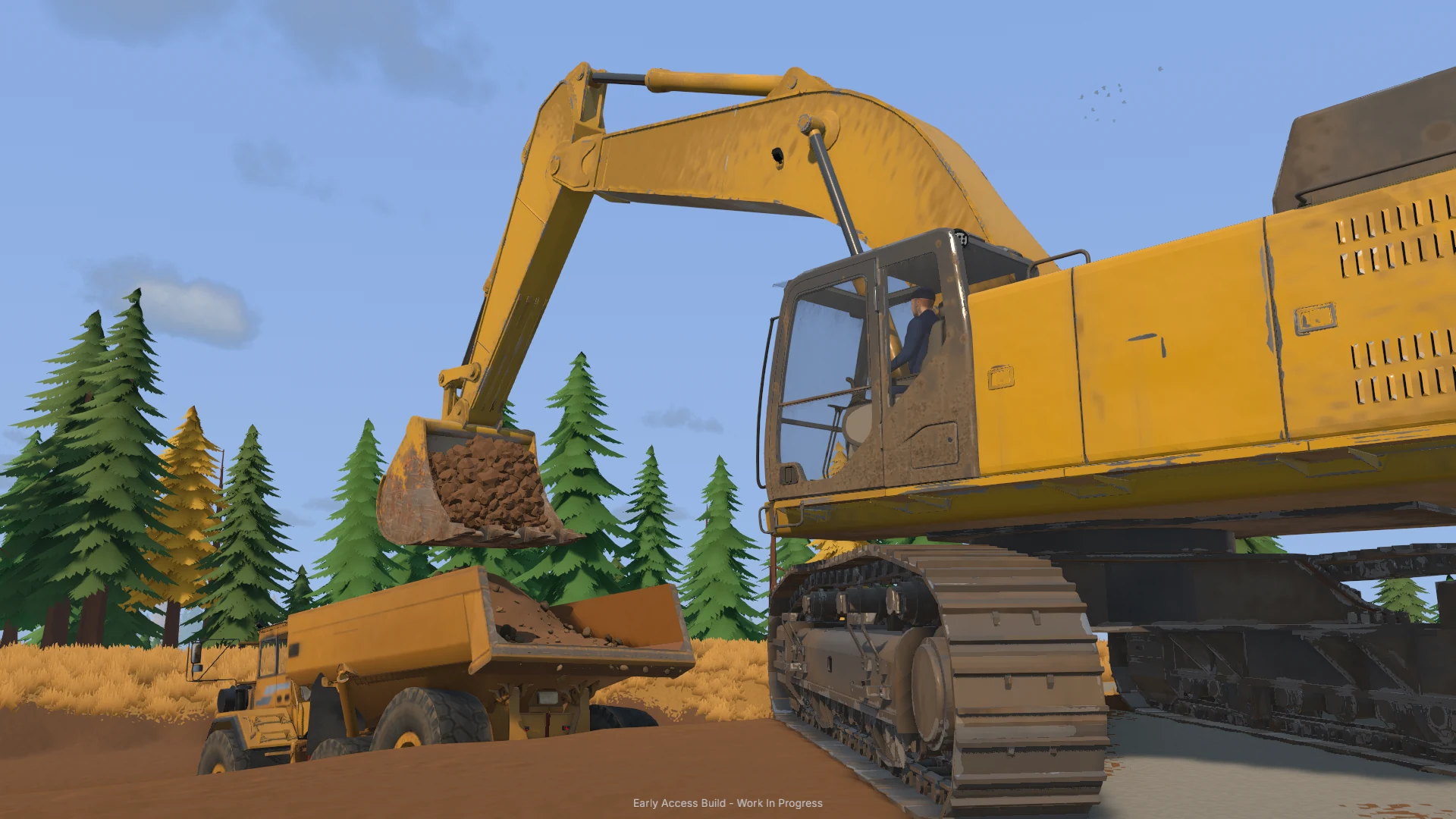
What Is Groundwork Simulator?
Groundwork Simulator is a gold-mining and heavy-machinery simulation game developed and published by XYZ STUDIO. Its Early Access version released on October 22, 2026 and features a playable map, guided story introduction and solo or four-player online co-op.
Excavate deformable terrain, operate excavators, bulldozers and loaders, drill for gold deposits, haul soil and power wash plants with water pumps and hoses. The developers plan additional maps, vehicles, weather systems, mod support and a Map Studio, but these roadmap features should not be treated as currently released.
Developer
XYZ STUDIO
Platform
Steam — Windows PC, macOS (Apple Silicon)
Genre
Gold Mining / Heavy Machinery Simulation
Online Co-op
Up to 4 players
Early Access Map
1 playable map
Minimum PC RAM
16 GB
Explore Groundwork Simulator Guides
Choose a topic to learn about the machines, mining workflow, and systems in Groundwork Simulator.
Groundwork Simulator Beginner Guide
Learn the core mining workflow in Groundwork Simulator, from the guided story-mode tutorial to your first gold recovery. The October 2026 Early Access build includes one playable map, heavy machinery, deformable terrain, and solo or online co-op play.
- 1Start with the story mode's guided tutorial, which introduces the game's core machinery and mining systems.
- 2Explore the playable map and use a drill rig to test the ground for gold-rich deposits before choosing a digging location.
- 3Operate an excavator, adjusting bucket angle and hydraulic power to cut into the terrain and lift soil.
- 4Move excavated material toward your processing area with hauling vehicles and loading equipment.
- 5Set up the wash plant and connect pumps and hoses to supply the water needed for processing.
- 6Feed promising material through the sluice boxes and process the resulting concentrate on the shaking table to recover gold.
- 7Improve access routes when mud, steep slopes, or disturbed terrain make heavy equipment difficult to move.
Groundwork Simulator Release Date and Roadmap
Groundwork Simulator entered Steam Early Access on October 22, 2026, with a guided story mode and one playable map. See the official launch offer and proposed updates for maps, equipment, weather, modding, and the eventual full release.
Released on Steam on October 22, 2026, as an Early Access game by developer and publisher XYZ STUDIO.
The U.S. Steam listing shows a $24.99 base price and an introductory 20% discount to $19.99, ending October 29, 2026.
Early Access includes one playable map, a selection of machinery, and story mode with a guided tutorial.
The developer estimates approximately 3–6 months of Early Access, subject to change.
The official roadmap lists a new map, additional gold deposits, and new story-mode objectives.
Planned additions include new vehicles, more wash plants and processing equipment, and expanded wash-plant controls.
The roadmap proposes modding support, Map Studio, and performance improvements; weather features are also planned, with no fixed dates.
Steam lists Windows and Apple Silicon macOS support. No console version is confirmed on the official pages.
Groundwork Simulator Gold Mining Guide
Follow the confirmed gold-recovery process, from prospecting and drilling to excavation, hauling, and final separation. This practical overview covers actual equipment and processing stages without inventing gold spawn coordinates or recovery percentages.
- 1Explore the landscape for a promising gold-bearing area instead of immediately excavating random ground.
- 2Use the truck-mounted drill rig to test the ground and investigate potential gold deposits.
- 3Choose a deposit to work and shape a usable access route for your excavation and hauling equipment.
- 4Dig gold-bearing material with an excavator and transfer it using a wheel loader or haul truck as appropriate.
- 5Keep the wash plant supplied with both material and water from the pump-and-hose system.
- 6Wash excavated material through sluice boxes to produce concentrate.
- 7Process the concentrate on the shaking table to recover gold and repeat the cycle at the next promising deposit.
Groundwork Simulator Vehicles and Machinery
Explore the heavy-equipment types shown or named in official Groundwork Simulator materials. Each machine has a practical role in prospecting, excavation, earthmoving, transport, or worksite recovery, rather than an unsupported S-to-C ranking.
Digs trenches and hillsides using bucket positioning, hydraulic feedback, and simulated soil resistance.
A long-reach excavator is pictured working beside a wet site in the developer's official screenshot gallery.
Moves bulk material around the worksite and helps keep excavated soil flowing to processing.
Pushes earth and reshapes the worksite, including access routes and uneven ground.
Hauls excavated material between the digging area and the washing operation.
Tests underground deposits to help locate gold-rich ground before excavation.
Transports heavy machines between worksites, including loading and unloading equipment on a trailer.
A heavy recovery truck is pictured assisting another vehicle on rough, wet terrain in official screenshots.
Groundwork Simulator Wash Plant Guide
Learn the developer-confirmed steps for building a working wash setup and separating gold from excavated soil. Pumps, hoses, sluice boxes, and a shaking table are essential components, although official sources do not specify numerical wash rates or guaranteed yields.
- 1Choose a position for the wash plant that allows excavators and haul vehicles to deliver material.
- 2Place pumps to bring water to the washing operation.
- 3Route hoses from the water supply to the processing setup so water reaches the required equipment.
- 4Bring gold-bearing soil from the excavation site and feed it into the wash plant.
- 5Pass the material through the sluice boxes, which produce concentrate for further processing.
- 6Process the concentrate on the shaking table to recover gold.
- 7Adjust pump and hose placement as the worksite expands; the roadmap proposes additional wash plants and deeper controls in a later update.
Groundwork Simulator Co-op Guide
Coordinate a shared gold mine with up to three friends in Groundwork Simulator's online co-op mode. The developer confirms that players can divide excavation, transport, and processing work across the same site, but does not publish cross-platform matchmaking rules.
Official materials confirm solo play or online cooperative sessions with up to four total players.
One player can focus on cutting into a deposit and filling buckets with material.
A teammate can move loads between the excavation site and the wash plant.
The team can coordinate delivery and processing to keep the wash plant supplied with material.
Pumps and hoses must bring water to the wash plant as the shared worksite grows.
Players can reshape slopes and access routes to make travel easier for heavy machinery.
Steam confirms online co-op and Windows/macOS versions, but the official pages do not establish whether cross-platform co-op is supported.
Groundwork Simulator Excavation and Transport Guide
Get better at moving soil and machinery across fully deformable terrain with simulated excavation resistance and heavy-vehicle traction. These steps use the documented hydraulic, mud, slope, and trailer systems rather than unverified button mappings or exact performance stats.
- 1Survey the hillside and choose an excavation approach that will not block your future equipment routes.
- 2Position the excavator and adjust its bucket angle to work with the simulated soil resistance and available hydraulic power.
- 3Cut into the ground, fill the bucket, and lift the load; each scoop leaves a change in the terrain.
- 4Manage spoil piles and use earthmoving machinery to improve the ground around the site.
- 5Account for mud, slopes, and vehicle traction when selecting routes for loaded trucks.
- 6Load heavy equipment onto a trailer and haul it by truck when moving to another worksite.
- 7Take care on tight turns and uneven ground, then unload the machine close to the next job.
Groundwork Simulator System Requirements
Check the official Windows and Apple Silicon macOS requirements before installing Groundwork Simulator. Steam warns that detailed soil and water physics make the game unusually demanding on the processor.
Windows 10, 64-bit, with Intel Core i5-8400 or AMD Ryzen 5 2600.
NVIDIA GTX 1070 with 8 GB VRAM and DirectX 12.
16 GB RAM and 10 GB of available storage.
Windows 11 with Intel Core i5-12400 or AMD Ryzen 5 5600.
NVIDIA RTX 3060 with 8 GB VRAM or AMD RX 6600 with 8 GB VRAM.
24 GB RAM, DirectX 12, and 10 GB of available storage.
Apple M4, 16 GB RAM, and macOS Tahoe or newer; Intel-based Macs are unsupported.
Apple M5 Pro, 24 GB RAM, and macOS Tahoe or newer.
Steam cautions that the soil and water simulations impose a heavy CPU load, even though the visual style is relatively simple.
Frequently Asked Questions
Answers about Groundwork Simulator’s release, mining, machinery, and co-op.
Dig the Ground. Build the Plant. Recover the Gold.
Go from your first bucket to a reliable mining operation with beginner routes, excavator techniques, pump layouts, gold washing and teamwork tips.